 Hossainul Sazzad
A good share of the small business websites I audit run on Squarespace. The owner picked it because it looks great out of the box, and then someone (usually a marketer selling a rebuild) told them "Squarespace is bad for SEO" and quoted them a five-figure WordPress migration.
Here's my honest take after auditing these sites week after week: the platform is almost never the problem. The empty SEO title fields, the missing Google Business Profile connection, and the 8MB template images are.
Is Squarespace actually good for SEO?
The technical foundation is genuinely solid, and you get it without touching anything:
- SSL by default: every site runs on HTTPS.
- Mobile-responsive templates: no separate mobile setup, which matters because Google indexes the mobile version of your site first.
- Automatic XML sitemap at
/sitemap.xml, kept current as you add pages. - Clean canonical tags and valid HTML: the crawlability basics are handled.
Squarespace powers roughly 3% of all websites on the internet, millions of sites, plenty of them ranking fine. And Google's search team has said for years that the fundamentals in their SEO starter guide apply to any platform, website builders included. Google ranks pages, not platforms.
The honest limitations: you can't edit robots.txt or server settings, built-in structured data is minimal, and heavy template images can drag down Core Web Vitals if you upload carelessly. For a local service business with a 10–30 page site, none of these are dealbreakers. They're the last 10%, not the first 90%.
The settings that actually move rankings
This is the checklist I run on every Squarespace audit, in order of impact.
1. Write real SEO titles and descriptions, every page
Squarespace leaves the SEO title field empty by default, which means Google sees "Home, Business Name". Open each page's settings → SEO tab and write:
- SEO title (≤60 characters): service + location + brand. "Electrician in Austin, TX | Smith Electric" beats "Home" every time.
- SEO description (140–160 characters): what you do, where, and why to choose you. This is your ad copy in the search results.
On the sites I audit with my free audit tool, empty or duplicated titles are the single most common finding, and the fastest fix.
2. Fix your URL slugs before they index
Squarespace generates slugs like /new-page-1 or keeps whatever the page was first named. Make them short and descriptive: /water-heater-repair, not /services-3. If you change a slug on an already-indexed page, Squarespace prompts you to create a redirect, always accept it.
3. Use one H1 and a real heading structure
In the Squarespace editor it's easy to style everything as "Heading 1" because it looks nice. Each page needs exactly one H1 (your main headline naming the service), then H2s for sections. Screen readers, Google and AI models all read your page as an outline, make the outline make sense.
4. Compress images before you upload
The most common Squarespace speed problem I see: full-resolution 5–10MB photos straight from a phone. Resize to a maximum of 1500–2500px wide and compress to JPEG or WebP before uploading, aim for under 300KB per image. Add descriptive alt text in each image's settings. It doubles as accessibility and helps Google understand the page. Then run the site through PageSpeed Insights and see what's left.
5. Connect the local layer. This is where service businesses win
If you're a local business, your Squarespace site is half of the equation; your Google Business Profile is the other half, and they need to agree:
- Location settings: Settings → Location lets you add your business address, fill it in exactly as it appears on your Google Business Profile.
- NAP in the footer: name, address (or service area), phone on every page, identical everywhere on the internet.
- A page per core service: "Panel Upgrades", "Drain Cleaning". Each with its own SEO title, not one "Services" page listing everything in three bullet points.
- Embed your Google map and reviews. Squarespace has a Map block; review widgets can be embedded via code blocks.
This local layer is most of what decides whether you show up in the Map Pack, the platform truly doesn't matter there.
Want a second pair of eyes on your Squarespace site?
Run my free 30-second instant audit, or request the full manual audit. I'll check your titles, speed, local setup and Google Business Profile, and send back the 3 highest-impact fixes.
Get My Free SEO Audit6. Add schema markup via code injection
Squarespace's built-in structured data is minimal, but the fix takes ten minutes. Go to Settings → Developer Tools → Code Injection (or a page's header injection for page-specific markup) and paste JSON-LD inside a <script type="application/ld+json"> tag:
- LocalBusiness (or the specific type, like Electrician or Plumber) with your name, address, phone, hours and service area, site-wide.
- Service markup on each service page.
- FAQPage markup wherever you answer real customer questions.
Validate with Google's Rich Results Test after pasting. Schema is also one of the clearest signals AI search engines use to understand who you are. I covered why that increasingly matters in my AI search optimization guide.
7. Verify Search Console and submit the sitemap
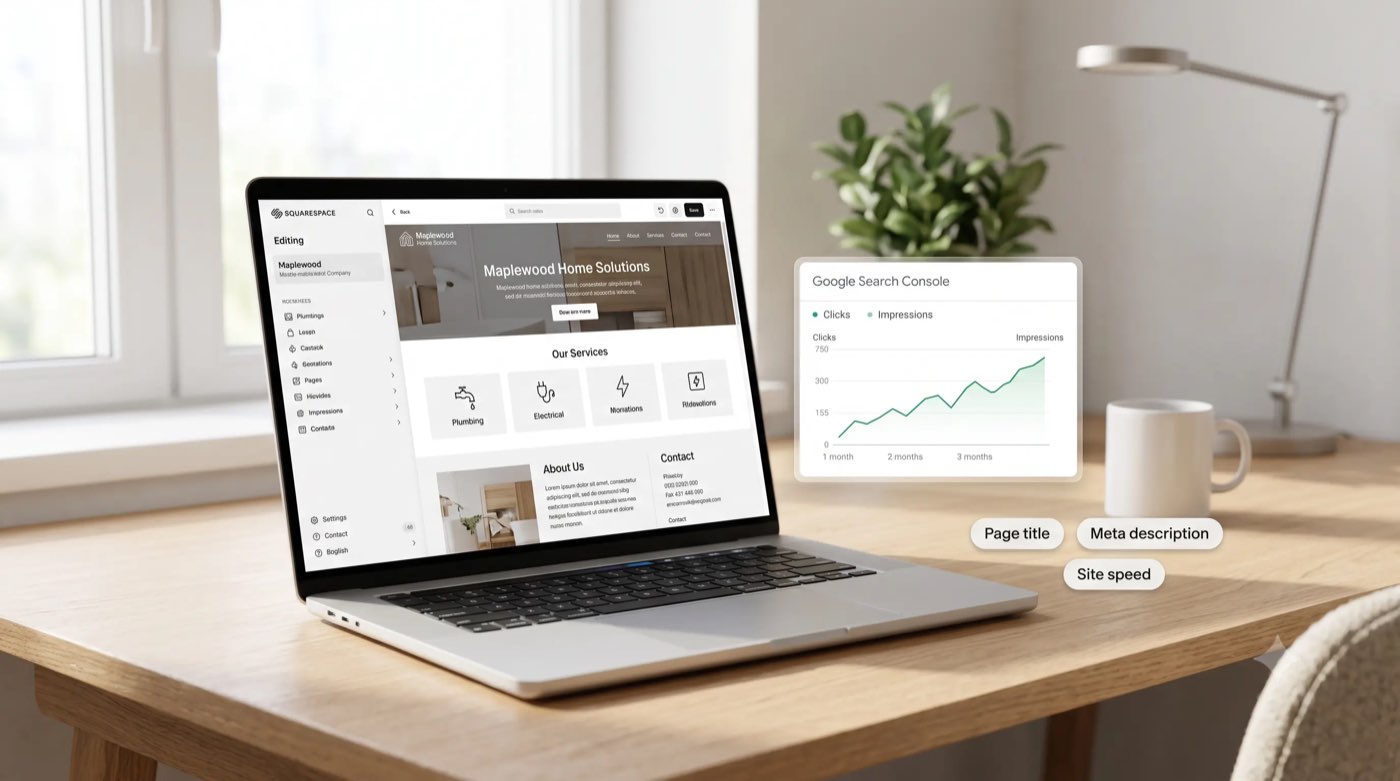
Verify your site in Google Search Console (domain verification through your DNS is cleanest), submit /sitemap.xml, and check back monthly. This is where you'll see which queries you're actually ranking for, usually a surprise, and always a better content plan than guessing.
8. Blog, but only with intent
Squarespace's blog is perfectly capable. What doesn't work is "5 Tips for Spring" filler. Answer the questions your customers actually type (costs, comparisons, "why is my X doing Y") one question per post, with the question in the title. That's the strategy behind every post on this site, and it's why blog content usually earns impressions months before service pages do (my local SEO cost breakdown explains the typical timeline and budget).
What Squarespace genuinely can't do
Fair is fair. Here's where the ceiling really is:
- No robots.txt or server control: irrelevant for small sites, limiting for large ones.
- Blunt speed tuning: you can't fine-tune caching or self-host scripts; you compensate with lightweight templates and disciplined image sizes.
- No real multilingual/hreflang setup: international SEO is not the platform's game.
- Template scripts you can't remove: some templates load JavaScript you'll never use.
If your site is under ~50 pages and serves a local market, none of this is what's holding you back. I've seen far more rankings lost in Squarespace-to-WordPress migrations (broken URLs, missing redirects) than gained. If someone quotes you a rebuild "for SEO", ask them which specific limitation above applies to your site, and if you're a trades business, what usually needs the work instead is the local layer, which is exactly what I handle for electricians and other home service companies.
The 30-minute version
If you do nothing else: write a unique SEO title and description for every page, fix your slugs, compress your images, fill in Location settings to match your Google Business Profile, and verify Search Console. That half hour puts you ahead of most competitors' websites, because most owners never open those panels at all.
Frequently Asked Questions
Is Squarespace good for SEO?
Yes. SSL, mobile-responsive templates, clean HTML, automatic sitemaps and canonicals are all handled. What decides rankings (titles, content, local signals, links) is the same on any platform, and those parts are yours to do.
Can a Squarespace site rank #1 on Google?
Yes, especially for local searches. Google ranks pages on relevance, proximity and prominence, not platform. A well-set-up Squarespace site with a strong Google Business Profile routinely beats neglected WordPress sites.
What are Squarespace's biggest SEO limitations?
No robots.txt or server-level control, minimal built-in schema (add your own via code injection), and speed depends heavily on disciplined image uploads. These mostly matter for large or international sites, not local businesses.
How do I add schema markup to Squarespace?
Settings → Developer Tools → Code Injection (site-wide) or a page's header injection. Paste JSON-LD (LocalBusiness, Service, FAQPage) in a script tag and validate with Google's Rich Results Test.
Should I move to WordPress for better SEO?
Usually not. Under ~50 pages and serving a local market, the platform isn't the bottleneck, and migrations risk months of lost rankings if URLs break. Move only for capabilities Squarespace genuinely lacks, with full 301 redirect mapping.

Local SEO & Paid Ads specialist for home service businesses in the US, UK and Canada. Google-certified, and behind results like 359K organic clicks for a UK retailer and a Texas electrical company's traffic doubling in 6 months. Every audit now ships with an AI visibility check.